Your channels and guide
Browse your channels, check programme information and start watching.

ForgeIPTV for Windows
Live TV, TV Guide, movies and series in a Windows app. Connect your own IPTV source and make it your own.
Your own legal source is required. No content included.
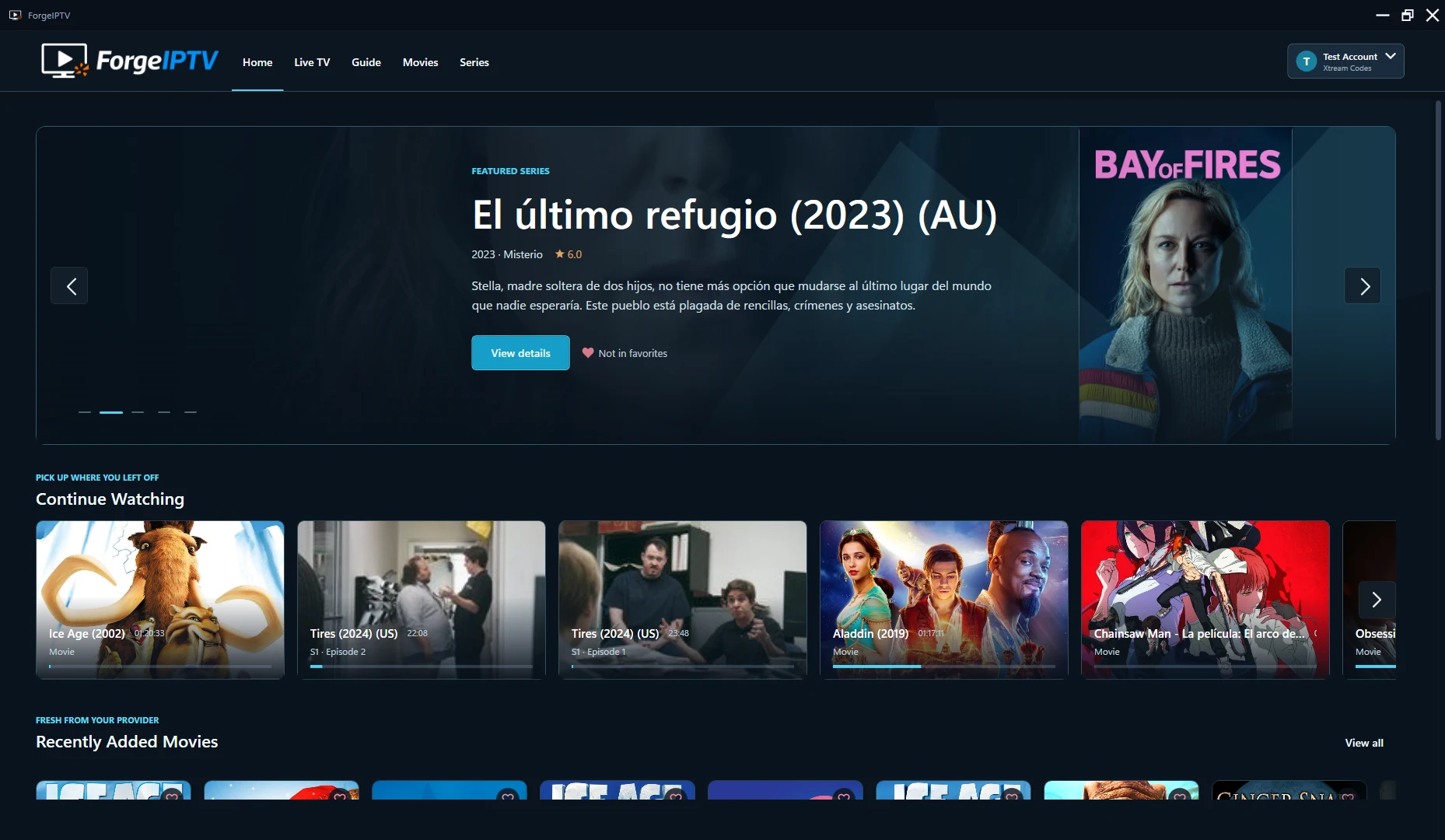
The Windows experience
Channels, libraries and playback, with a dedicated place for each.
Browse your channels, check programme information and start watching.
Use search, categories and filters to find titles available from your source.
Keep favorites close and return to the movies and episodes you started.
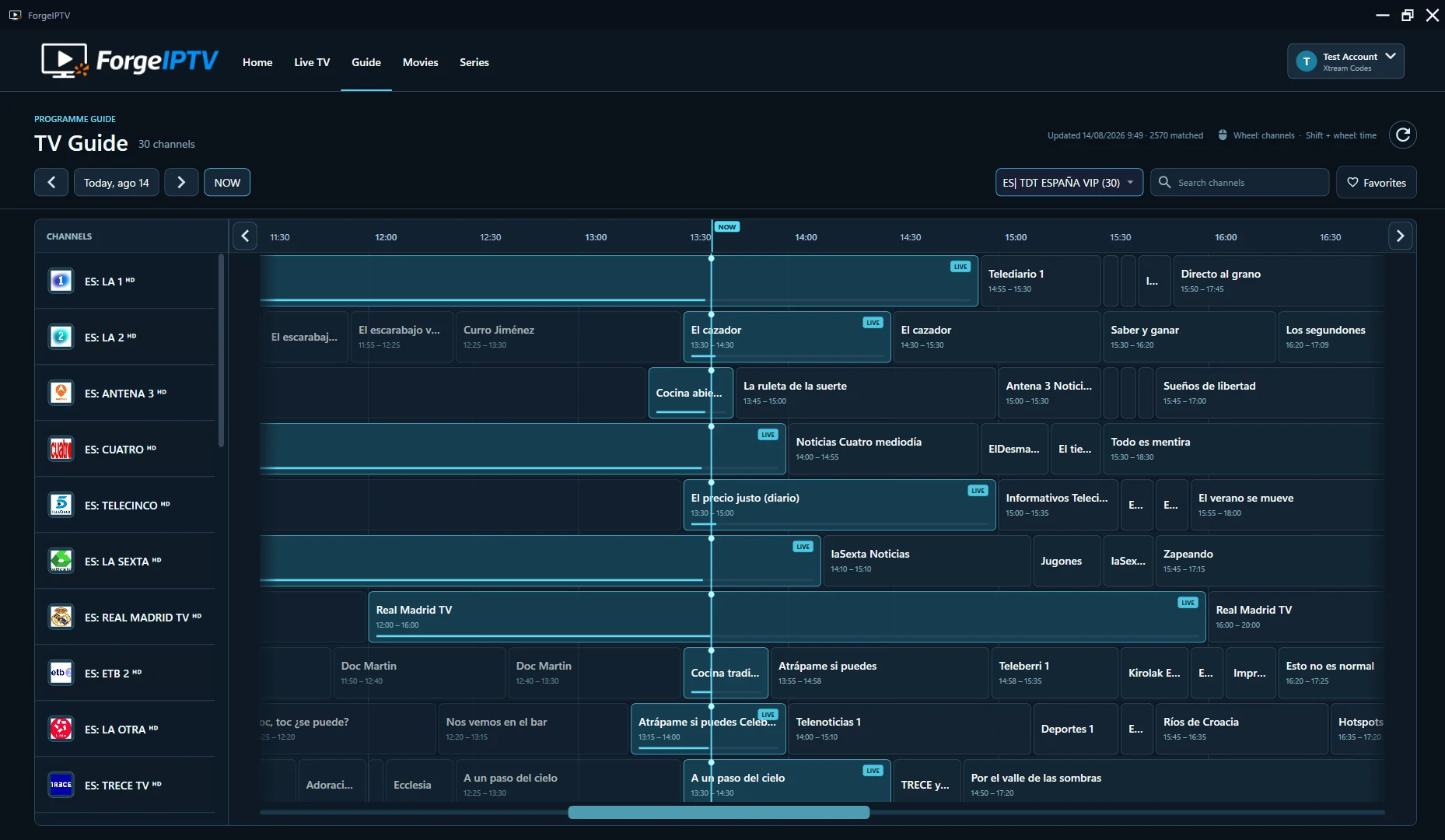
Live TV & TV Guide
Browse channels and programmes on one timeline, with information and playback close by.
Guide availability depends on compatible programme data from your source.
Movies & series
Artwork, search and details help you explore the library your source makes available.
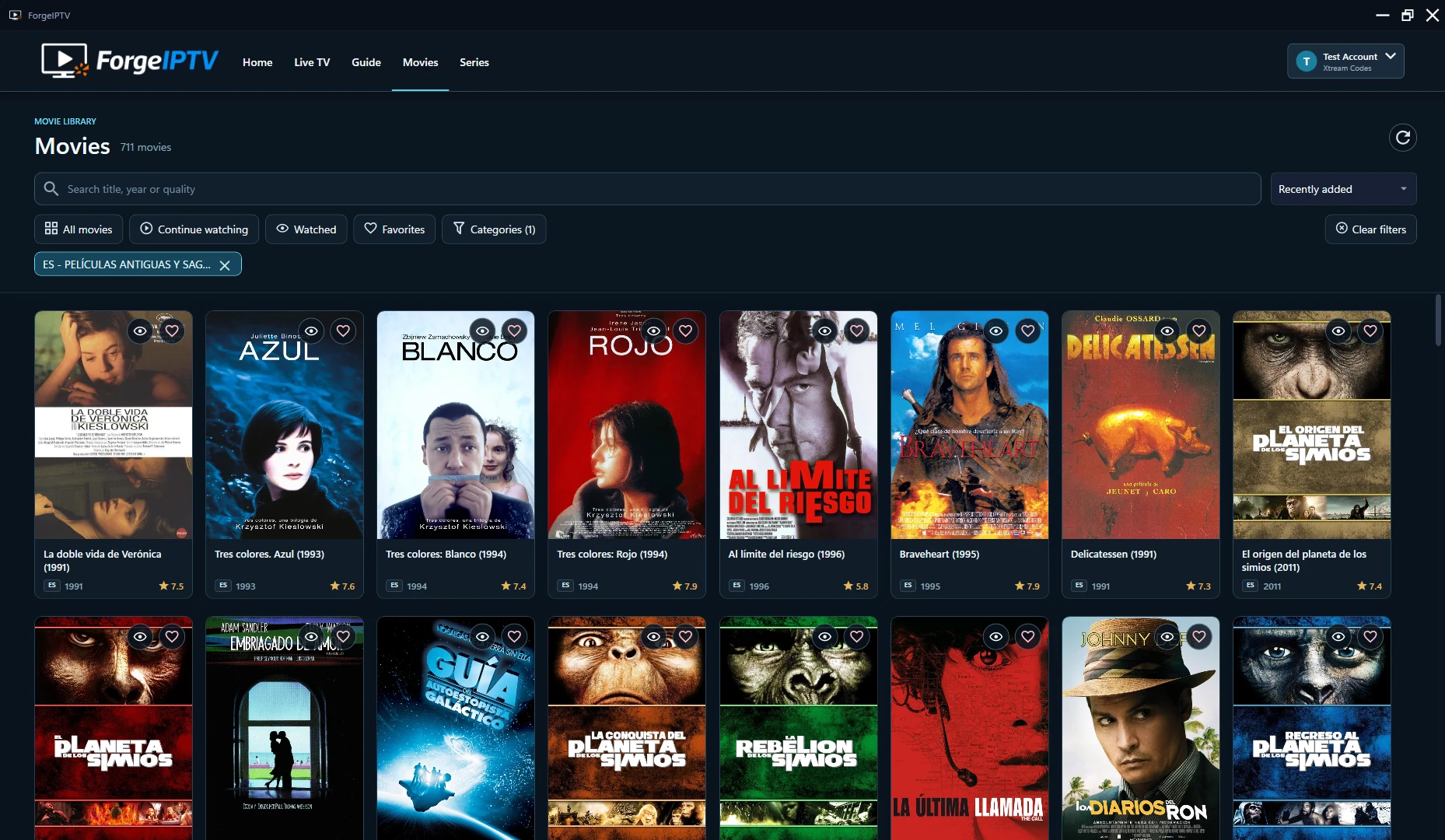
Search your movies and series, choose categories and keep your favorites within reach.
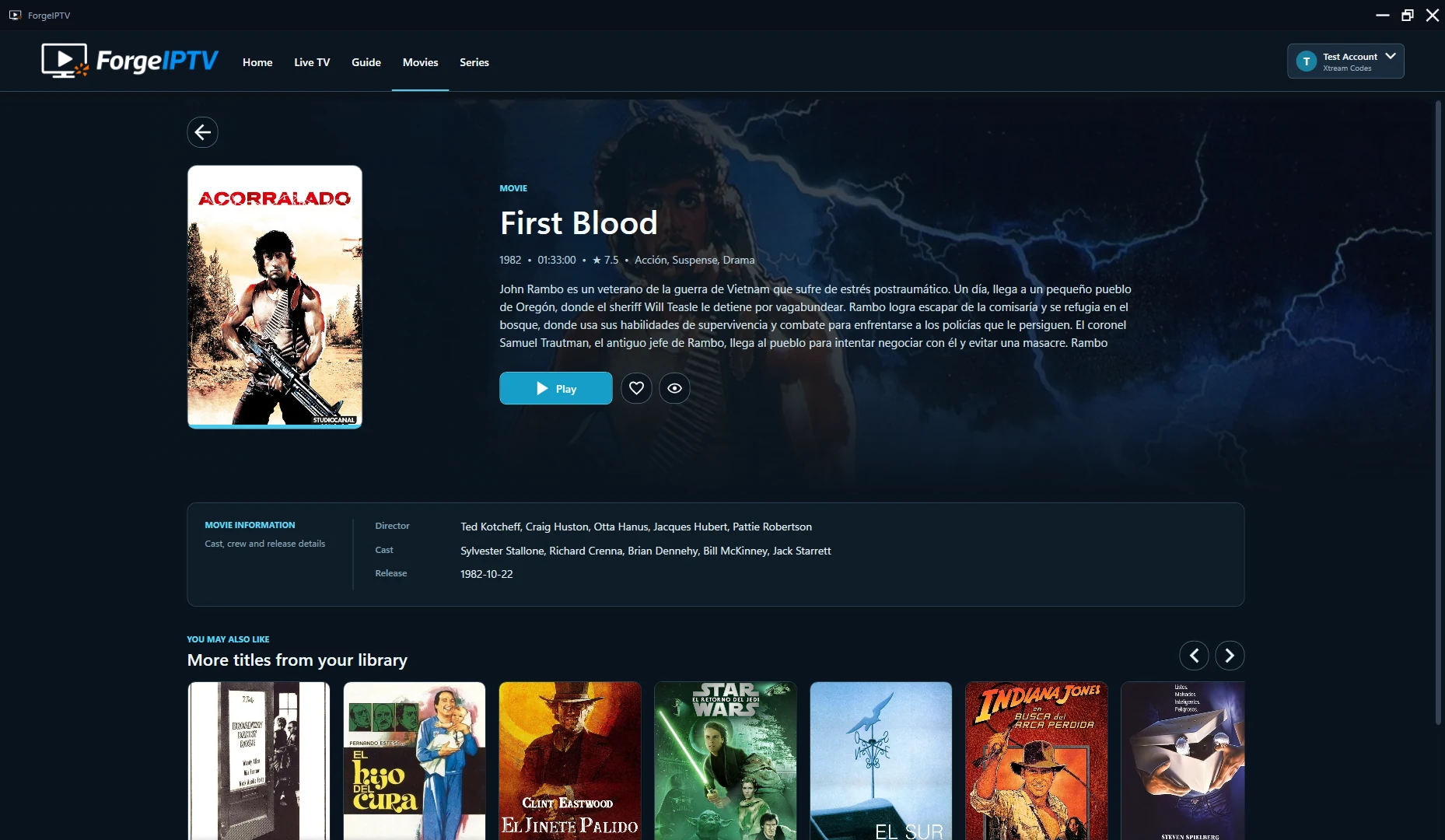
Open title information, related titles and playback progress before you press play.
Choose the tracks available in compatible content.
Manage your M3U and Xtream Codes connections in the app.
Preferences, favorites, history and protected connection values stay on your Windows device.
Content, track availability and playback support depend on your source and stream format.
Bring your own source
Add your own legal M3U playlist or Xtream Codes account in the Windows app.
7-day free trial
Install ForgeIPTV and try playback with your own source. Purchase your Windows license through Microsoft Store when you are ready.
When the trial ends, browsing and settings remain available. Video playback requires a valid Windows license.
Windows and TV licenses are separate. A Windows purchase does not unlock TV.
Looking for Fire TV or Android TV?ForgeIPTV is designed for Windows 10 and Windows 11 desktops. Install the app through Microsoft Store.
Yes. Connect your own legal M3U playlist or Xtream Codes account. M3U provides a channel-first experience; Xtream Codes can also provide movies and series, depending on your source. For TV Guide data, use compatible provider information or add your own XMLTV URL.
No. ForgeIPTV is an IPTV player only. It does not provide channels, playlists, subscriptions or streams. You need your own source that you are legally authorized to use.
You can continue browsing, managing connections and changing settings. Video playback requires a valid ForgeIPTV Windows license acquired through Microsoft Store.
Configuration, preferences, favorites, history and EPG cache are stored locally. Passwords, playlist URLs and EPG URLs are protected at rest with Windows DPAPI for your Windows user.
Windows and TV licenses are separate. A Windows purchase does not unlock TV, and a TV purchase does not unlock Windows.
Windows 10 & 11 · 7-day free trial · Your own source required