Move with your remote
Use directional buttons and the select key to move through the app.

ForgeIPTV for Fire TV & Android TV
Live TV, movies, series and your TV Guide, with navigation built for your remote.
Your own legal source is required. No content included.
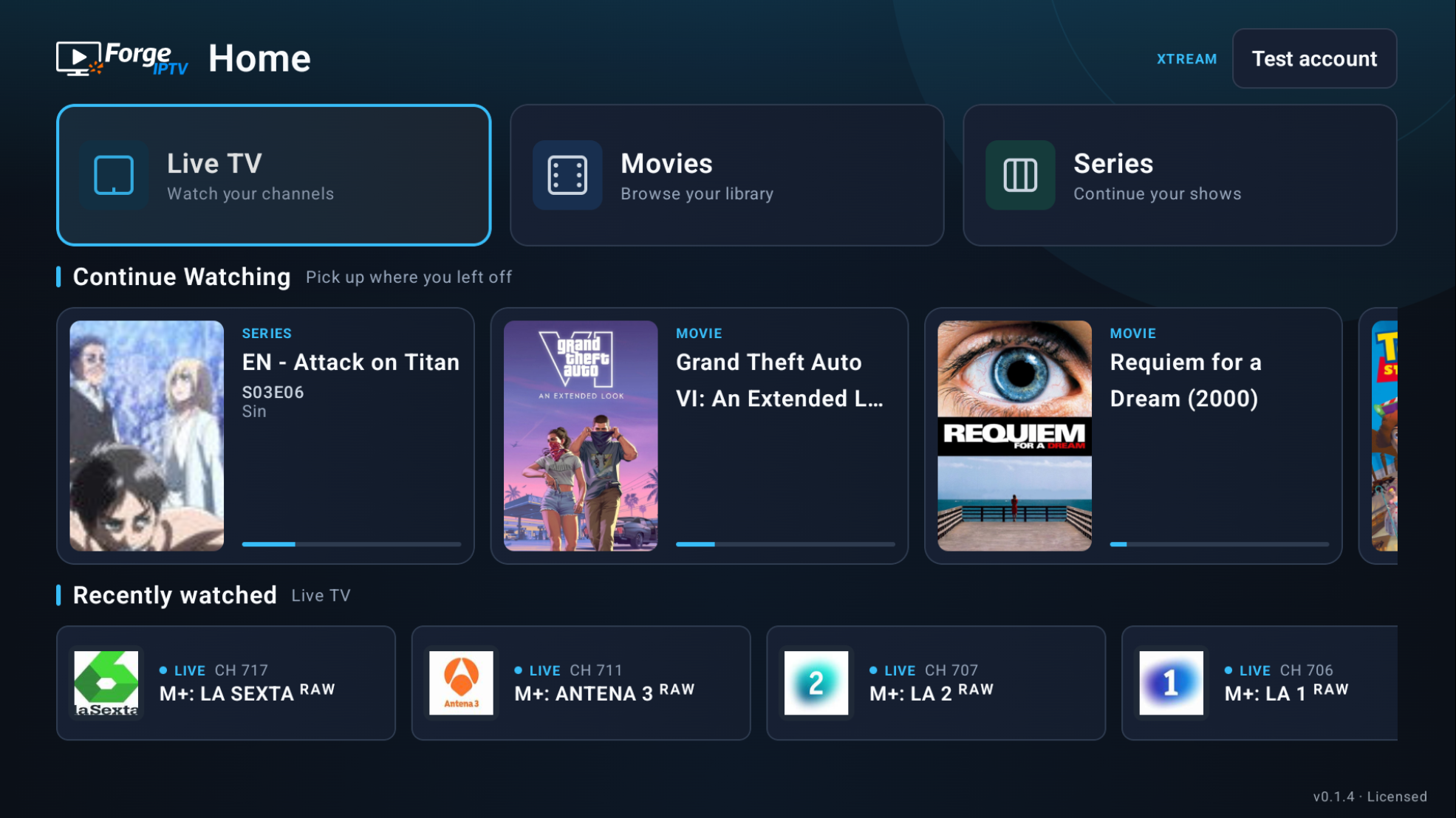
The TV experience
Directional navigation and visible focus, designed for watching from your sofa.
Use directional buttons and the select key to move through the app.
A visible focus marks the channel, title or control you are selecting.
Continue Watching brings your movies and episodes back within reach.
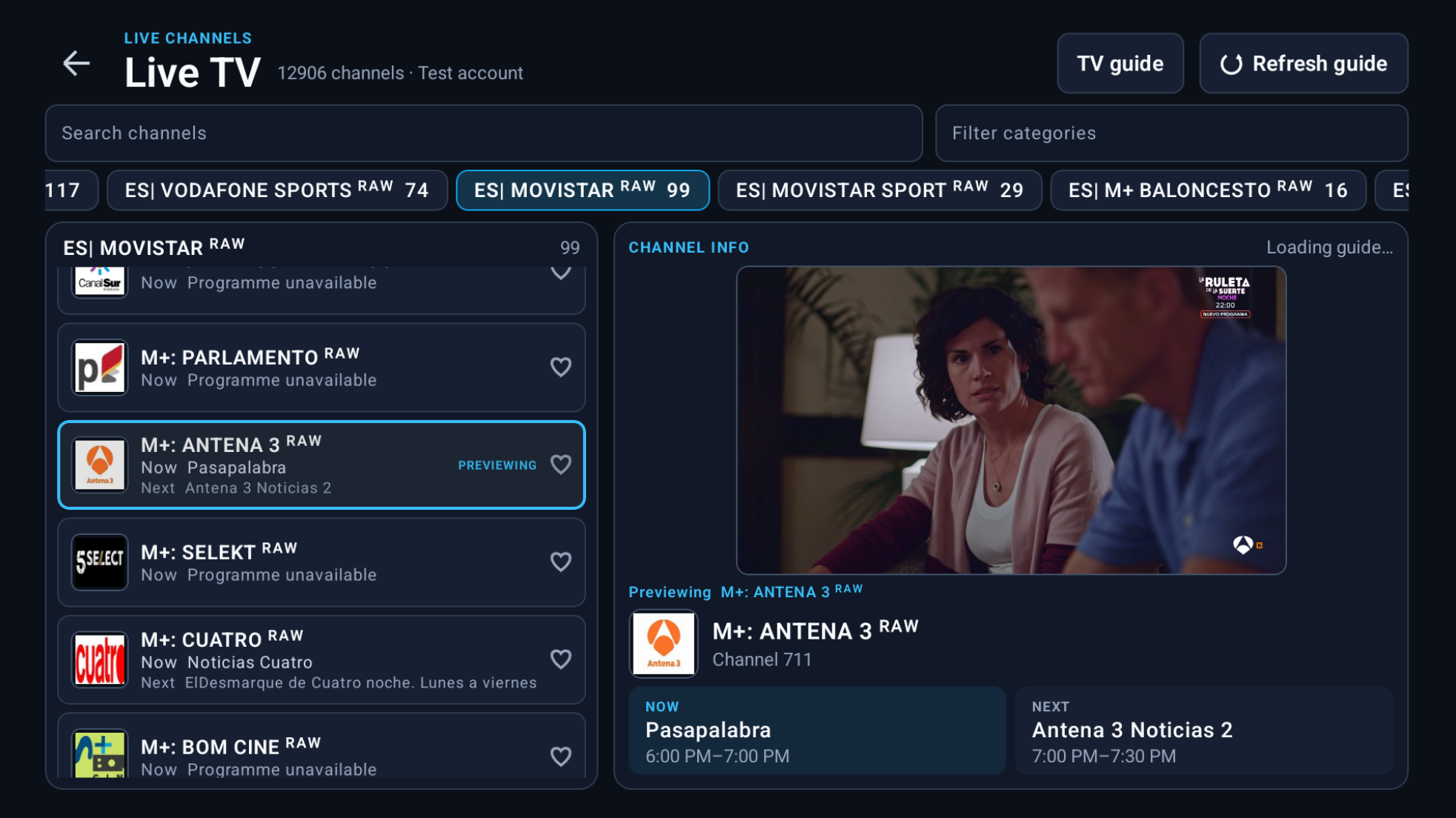
Live TV & TV Guide
Browse channels and categories, check programme information and start watching from your TV.
Channels, guide data and availability depend on your source.
Movies & series
Browse titles, open their details and return to a series you started.
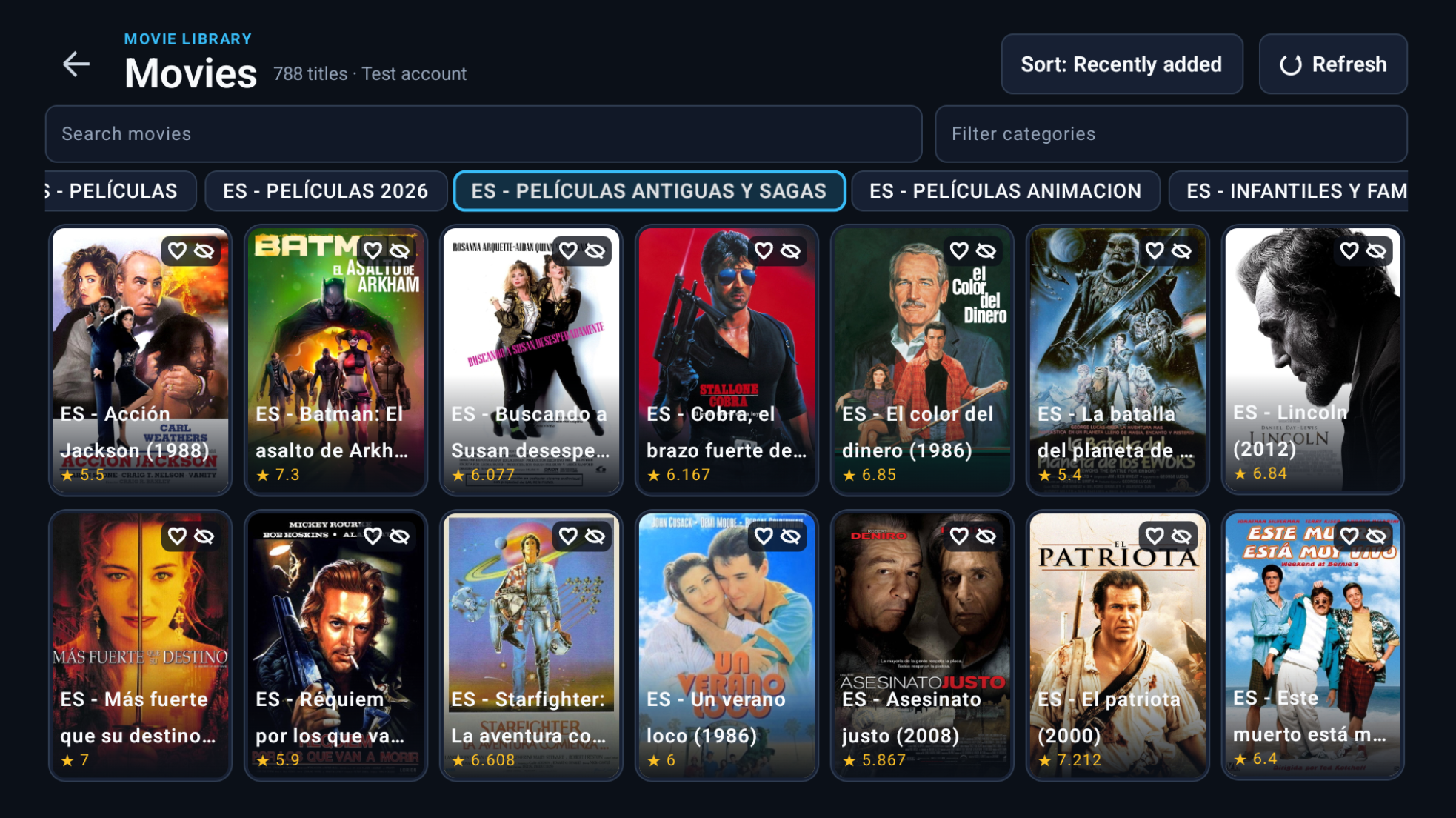
Browse the movies in your source, open title details and keep favorites close.
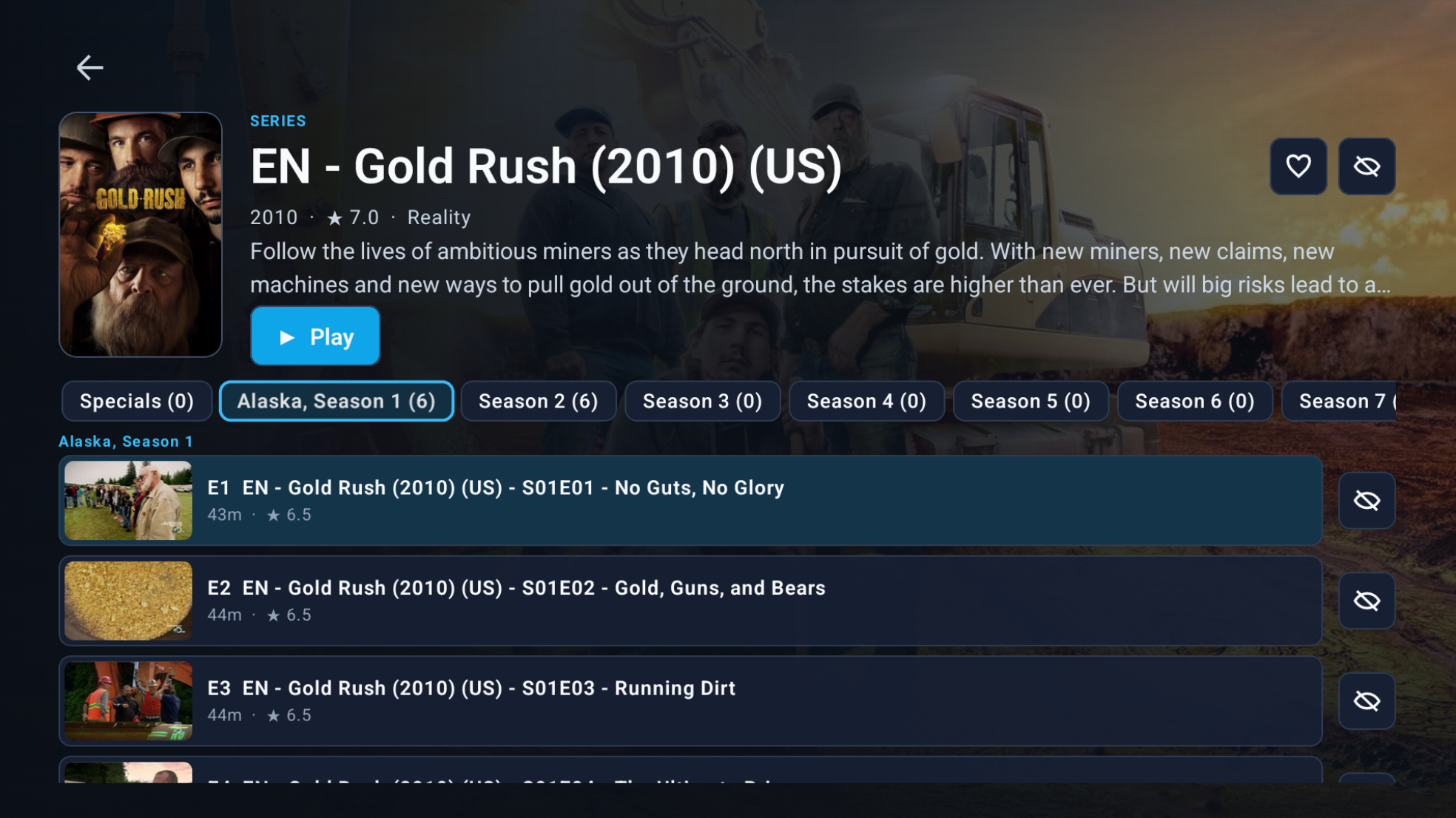
Choose seasons and episodes, see progress, and resume or start from the beginning.
Choose an available language or audio track while watching.
Use subtitle tracks offered by compatible content.
Continue a movie or episode from your saved position.
Playback support and available tracks depend on your stream, format and device.
Bring your own source
Add your own legal M3U playlist or Xtream Codes account in the TV app.
7-day free trial
When you are ready to buy, sign in to your ForgeIPTV account to see available TV offers and manage your licenses and devices.
TV licenses are separate from Windows licenses: a Windows purchase does not unlock TV, and a TV purchase does not unlock Windows.
ForgeIPTV for TV is available for Amazon Fire TV and Android TV, with navigation built for a remote. Compatibility can vary by device, stream format and content; we do not claim support for every TV device.
No. ForgeIPTV is a player, not an IPTV provider. It does not provide channels, playlists, IPTV subscriptions, streams or copyrighted content. You need your own source that you are legally authorized to use.
Yes. Use your own M3U playlist or Xtream Codes account. The channels, movies, series and TV Guide available depend on your source. Compatibility varies with your provider, stream format, device and network.
ForgeIPTV for TV offers a 7-day free trial with your own legal source. TV licensing is separate from Windows: a Microsoft Store Windows license does not unlock TV, and a TV license does not unlock Windows. No content or IPTV subscription is included.
Download the official APK from forgeiptv.com/download/tv. That page includes instructions for installing ForgeIPTV on Fire TV using Downloader, release notes and open-source notices. Use the official APK on a compatible device.
Updates are installed manually over the existing app, not automatically. Do not uninstall ForgeIPTV or clear its app data before updating, as this can remove settings and progress. Correctly installed updates are designed to preserve local data, but cannot guarantee it against corruption, data deletion or device failure. Follow the instructions on the TV download page.
Sign in to your ForgeIPTV account to see available TV offers, manage your licenses and devices, and view your purchases. Use Activate TV when you have a device activation code. TV licenses do not unlock the Windows app.
Fire TV & Android TV · 7-day free trial · Your own source required