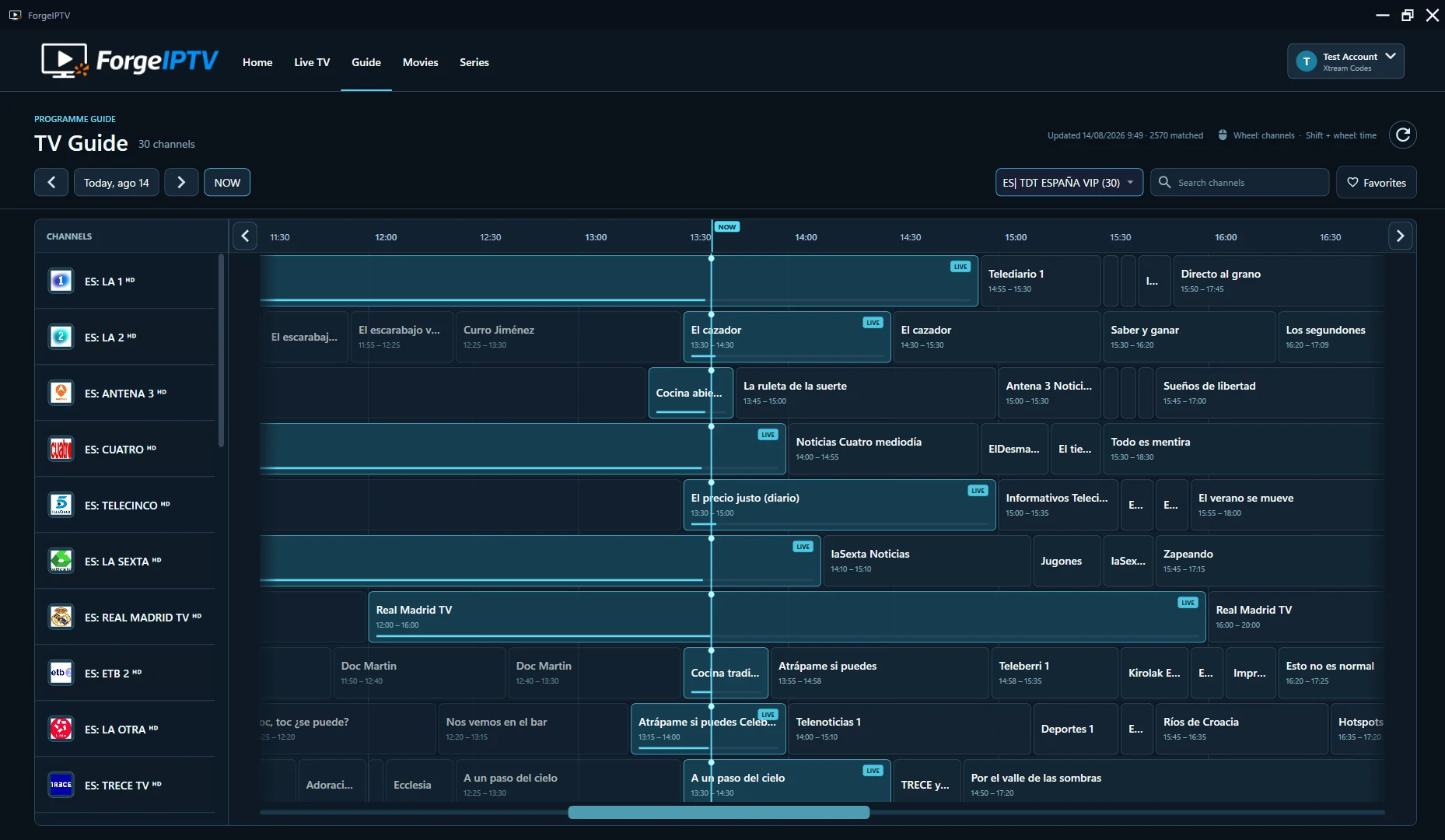
Live TV & TV Guide
Know what’s on.
Browse your channels and see current and upcoming programmes in one guide.

Windows · Fire TV · Android TV
Live TV, movies, series and your TV Guide, together in one player. At your desk or on your TV.
7-day free trialBring your own source. No content included.
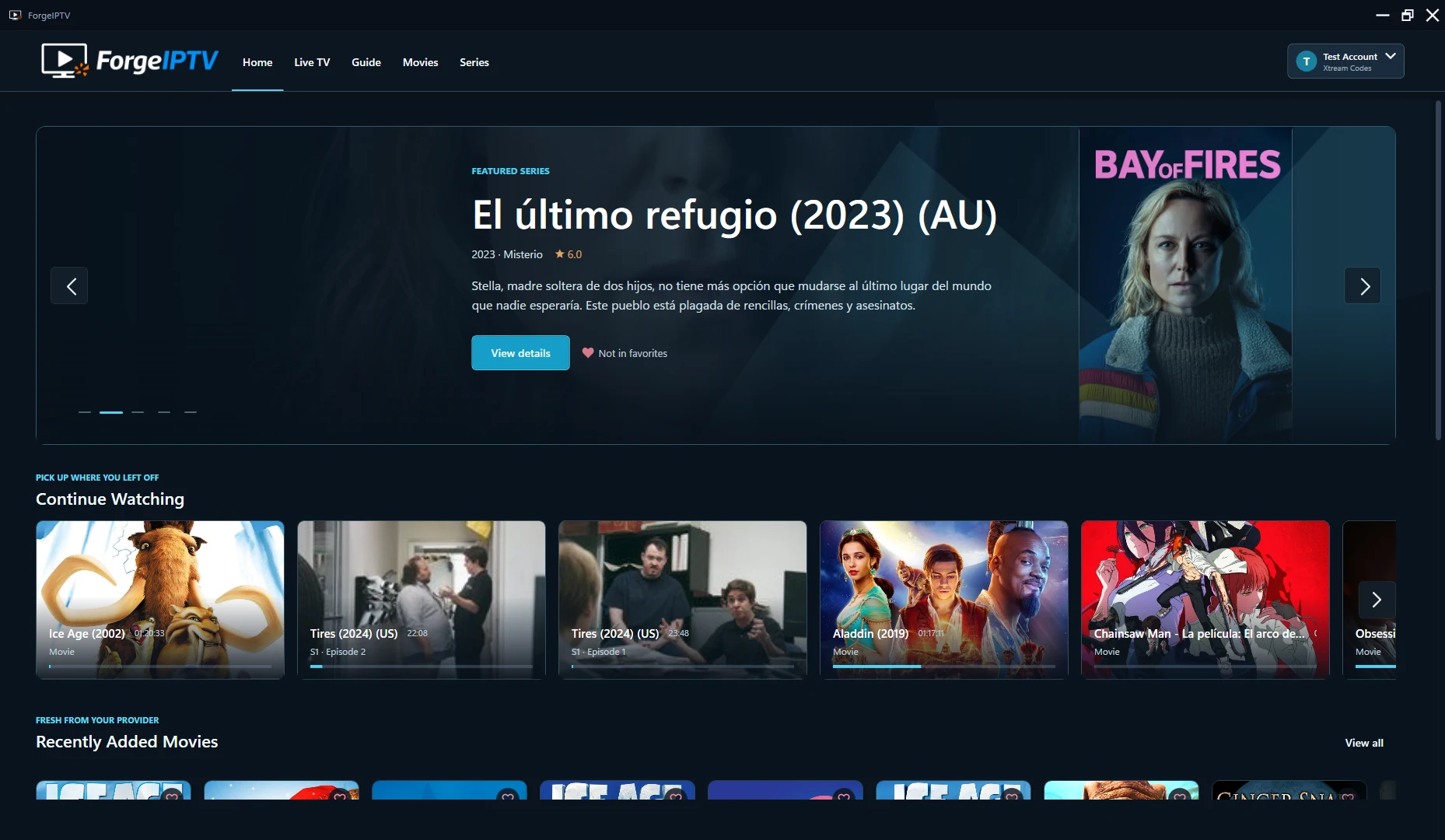
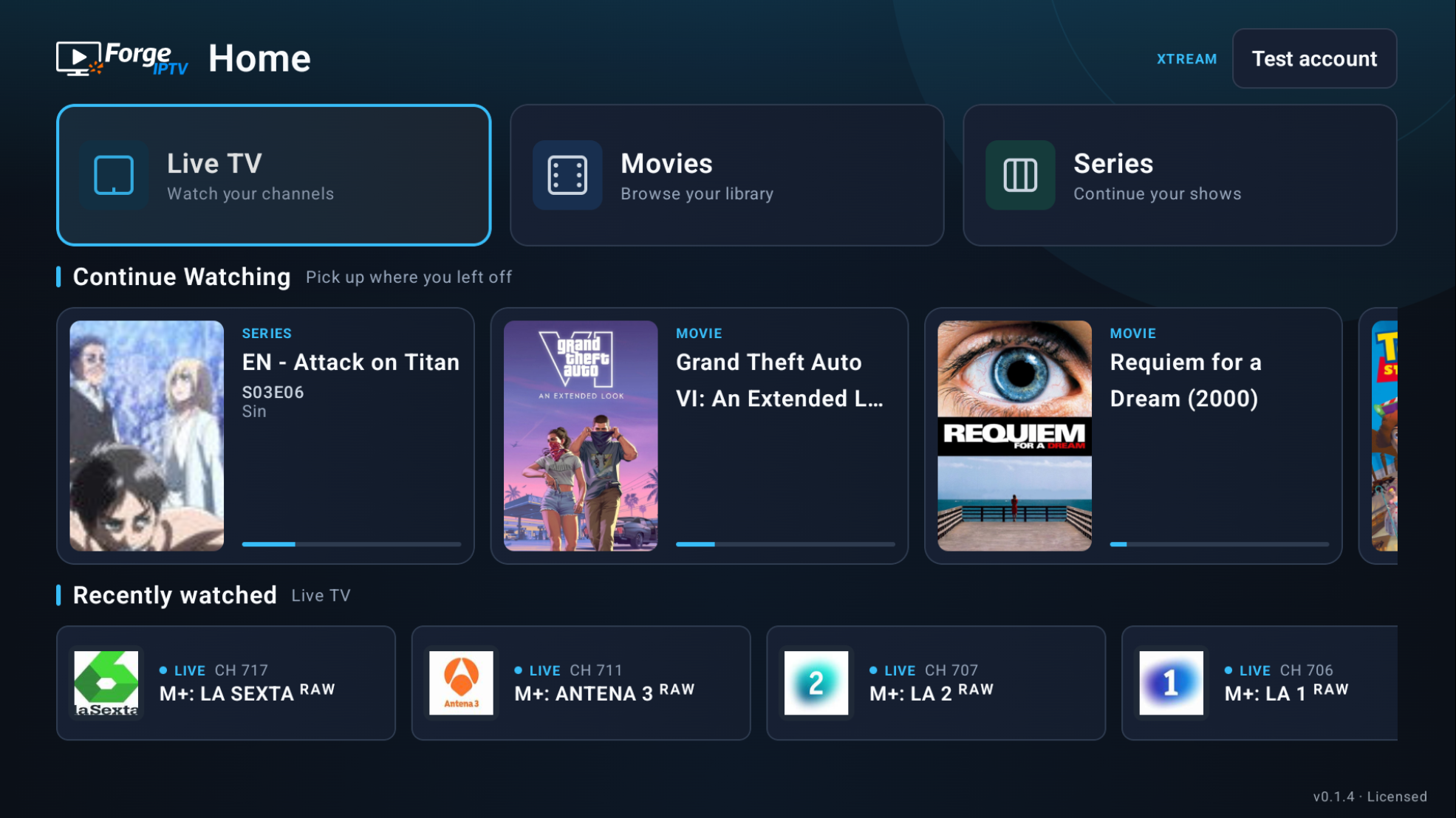
Inside the player
Find a channel, browse your library or return to a story you started.
Live TV & TV Guide
Browse your channels and see current and upcoming programmes in one guide.
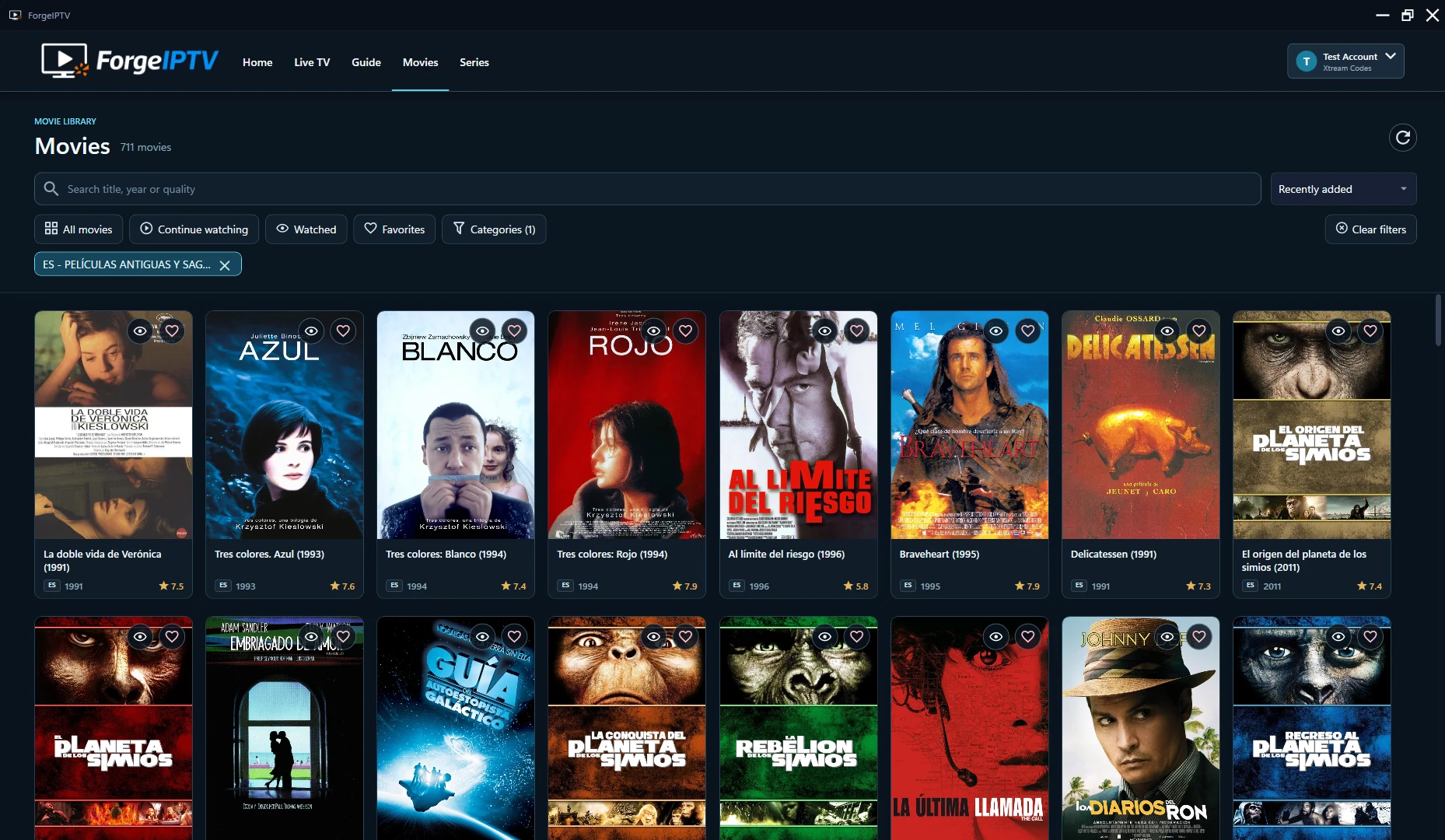
Movies & series
Explore the titles in your source, with artwork, categories and favorites close by.
Continue Watching
Return to your movies and episodes from your saved position.
Content and TV Guide availability depend on your source. Screens shown are from the actual apps.
Choose your screen
A desktop experience for Windows.
A remote-first experience for your TV.
Windows 10 & 11
Your channels, guide and library in a desktop app. Install, try and purchase through Microsoft Store.
Fire TV & Android TV
Built for your remote and the big screen. Available for Fire TV and Android TV as an official APK.
Getting started
Use the M3U playlist or Xtream Codes account you already have.
Choose Windows or TV and follow the installation instructions for your device.
Add your own legal M3U playlist or Xtream Codes account in the app.
Explore your channels and library, and keep your favorites within reach.
7-day free trial
Windows and TV licenses are separate. Choose the platform you want to use.
Windows
Install ForgeIPTV, start your trial and purchase your Windows license through Microsoft Store.
View Windows detailsFire TV & Android TV
Sign in to see available TV offers, manage your licenses and devices, and view your purchases.
View TV licensesHave an activation code on your TV? Activate your TV
No. ForgeIPTV is an IPTV player. You need your own M3U playlist or Xtream Codes account that you are legally authorized to use. No channels, playlists, subscriptions or streams are included.
Yes. M3U playlists provide a channel-first experience. Xtream Codes can also provide movies and series, depending on your source. TV Guide availability depends on compatible programme data.
Windows is available through Microsoft Store. Fire TV and Android TV use the official APK from forgeiptv.com. The TV download page includes installation and manual update instructions.
You can try ForgeIPTV for 7 days with your own legal source. Windows uses Microsoft Store licensing; Fire TV and Android TV use ForgeIPTV Licensing. The trial does not include an IPTV subscription or content.
Windows and TV licenses are separate. A Windows purchase does not unlock TV, and a TV purchase does not unlock Windows.
For Windows, use Microsoft Store. For TV, sign in to your ForgeIPTV account to see available offers, manage your licenses and devices, and view your purchase history. Use Activate TV when you have a device activation code.
Start with the screen you use. Bring your own IPTV source.